Termux and a Python Server
I have an old phone that I have been using for a few development type things, and I wanted to share this post about Termux and sharing files from an Android phone.
My old Redmi phone lasted for more than two years. This is pretty good these days! There were a few troubles along the way, like randomly turning off and restarting and getting into startup loops by just touching the power button / fingerprint reader. This turns out to not be a good idea: constantly touching and pushing the combined button means it got worn out, probably? It would require a soft restart, holding the button for four seconds, and then would be OK for a while. Then a few days later and touching the button would set this off again. And then it would be fine for a couple of months. Eventually it was happening most days and that just becomes unsustainably annoying.
So, the old Redmi is plugged in to my hub on my desk at home, running a few things. F-droid is a great app for free and open source software. Download and install from their site rather than Play Store. This is at risk so we will see how long it lasts.
Apps installed (count these as an endorsement)
- Boinc is running as best it can.
- I have uninstalled as many apps as I can with ADB.
- Immich and Nextcloud apps are installed but no server yet. That will / may be part of another future project.
- Amaze file browser
- LibreTorrent and Torrents-csv
- VLC
- Simple Text Editor
- Termux: the subject of this post
Usually I would use an app like WiFi File Transfer to access files saved on a phone. After looking up a few articles about what to do with old Android phones (future planned post) google feed served me up this one
python -m http.server
Python is so cool. Can I do this from Android? I have seen something similar before for R and I imagine python is easy.
There are so many SEO list web pages with lists of Android terminal possibilities. I’m sure there’s a term for this, but when I search I just get lists of results about SEO. Termux looks like it is good and popular. It is installable from F-droid of course.
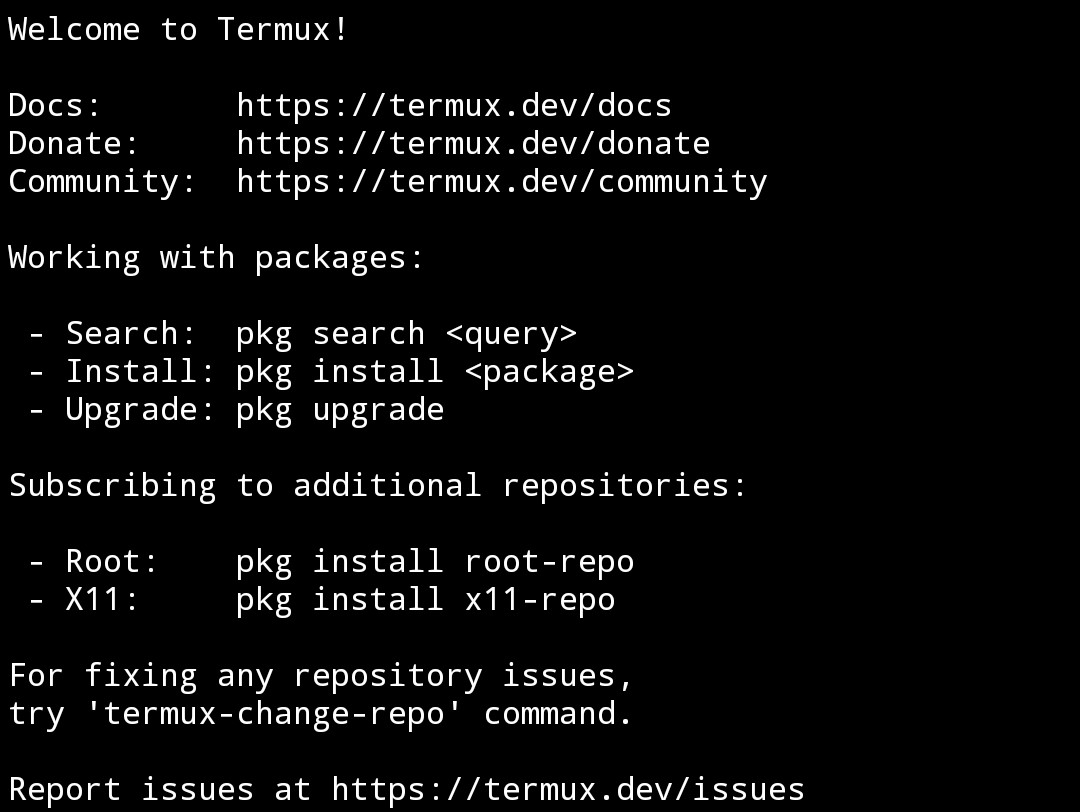
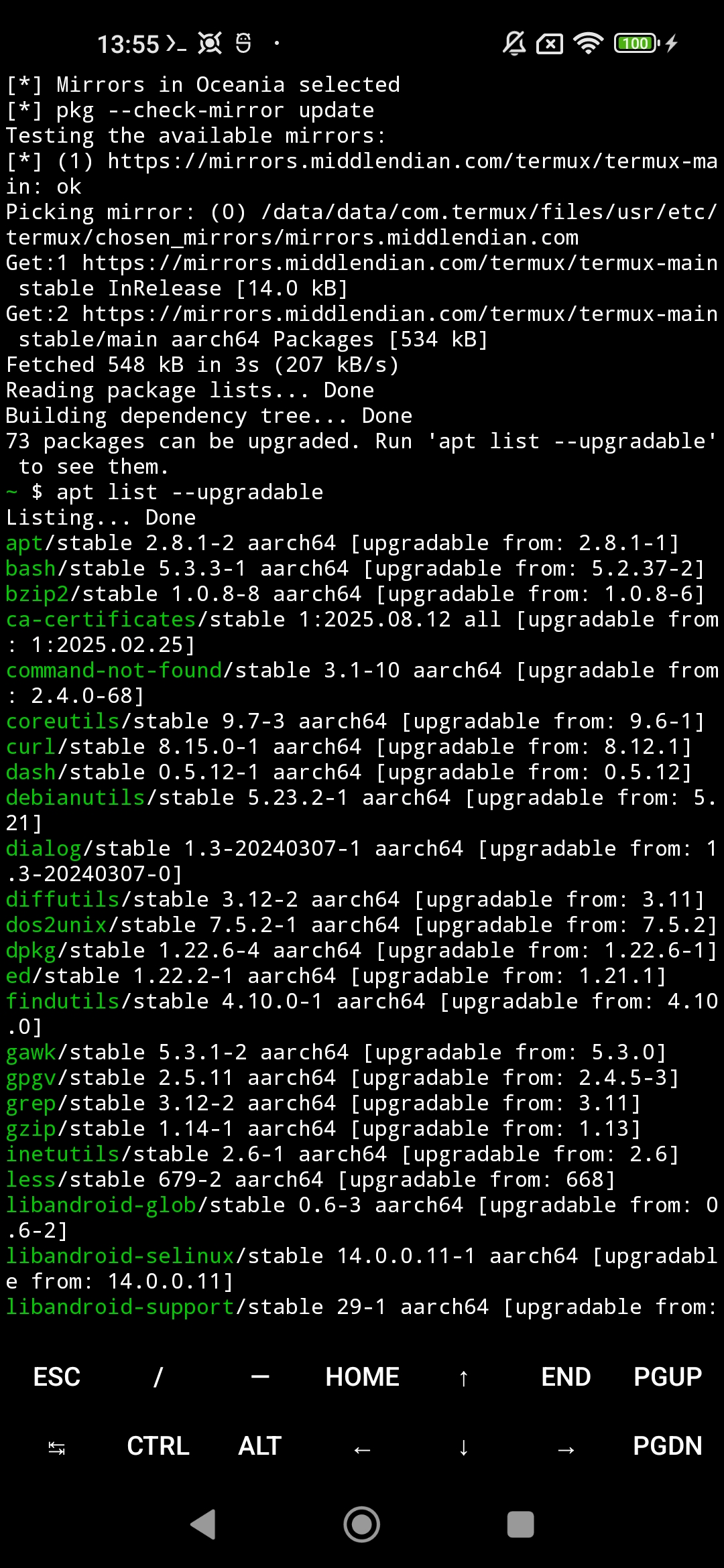
If I try to run the server code termux complains that I do not have python installed. Fair enough. I have to choose a mirror first though. https://www.reddit.com/r/termux/comments/17w48rb/what_is_termuxchangerepo/. You have to choose a group of mirrors so I choose Oceania. I also run apt list --upgradable but I’m not too worried about that. Termux was last updated 3 months ago, which is close, but also if it contains lot of utilities that are under active development there will be a bunch of possible upgrades and I’ll take that a positive sign but also not update them.
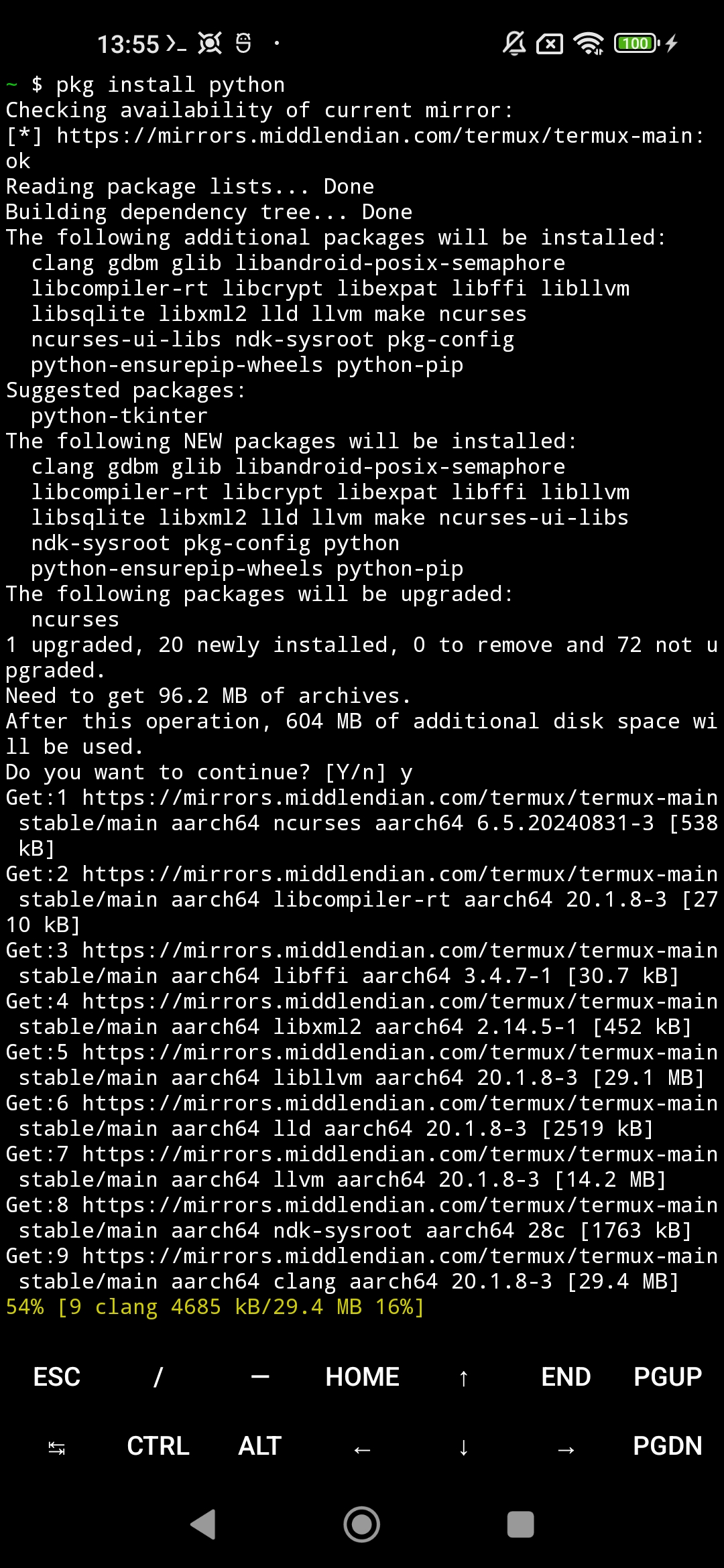
Now I can run pkg install python. Termux is verbose by default (I assume) so there’s a lot of output here.
I now have python on my phone! There is an interactive terminal.
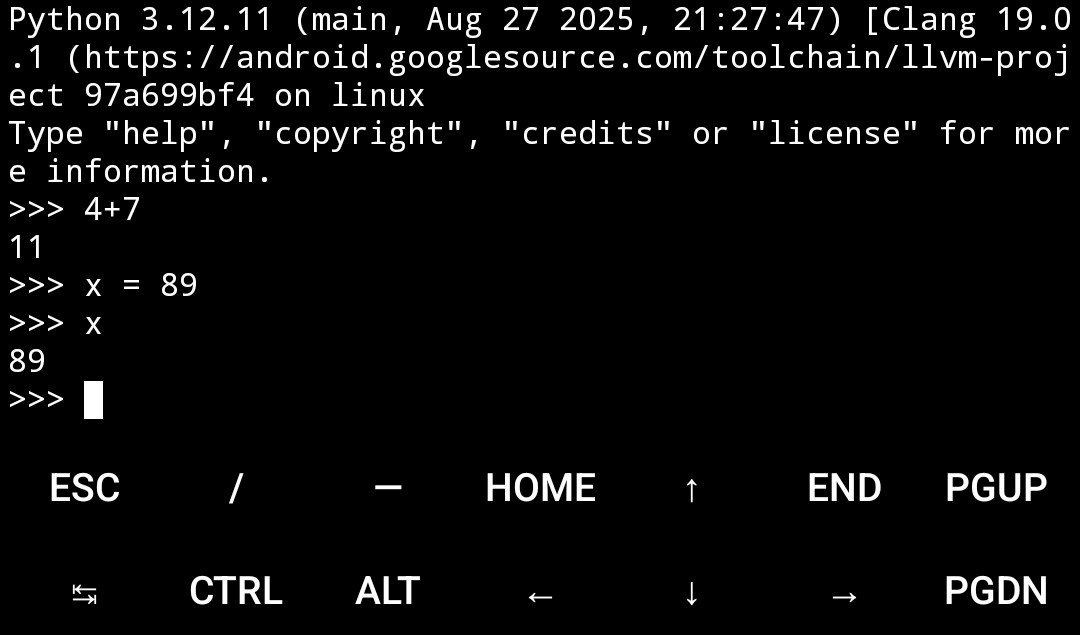
We can make calls including the classic --help or --version.
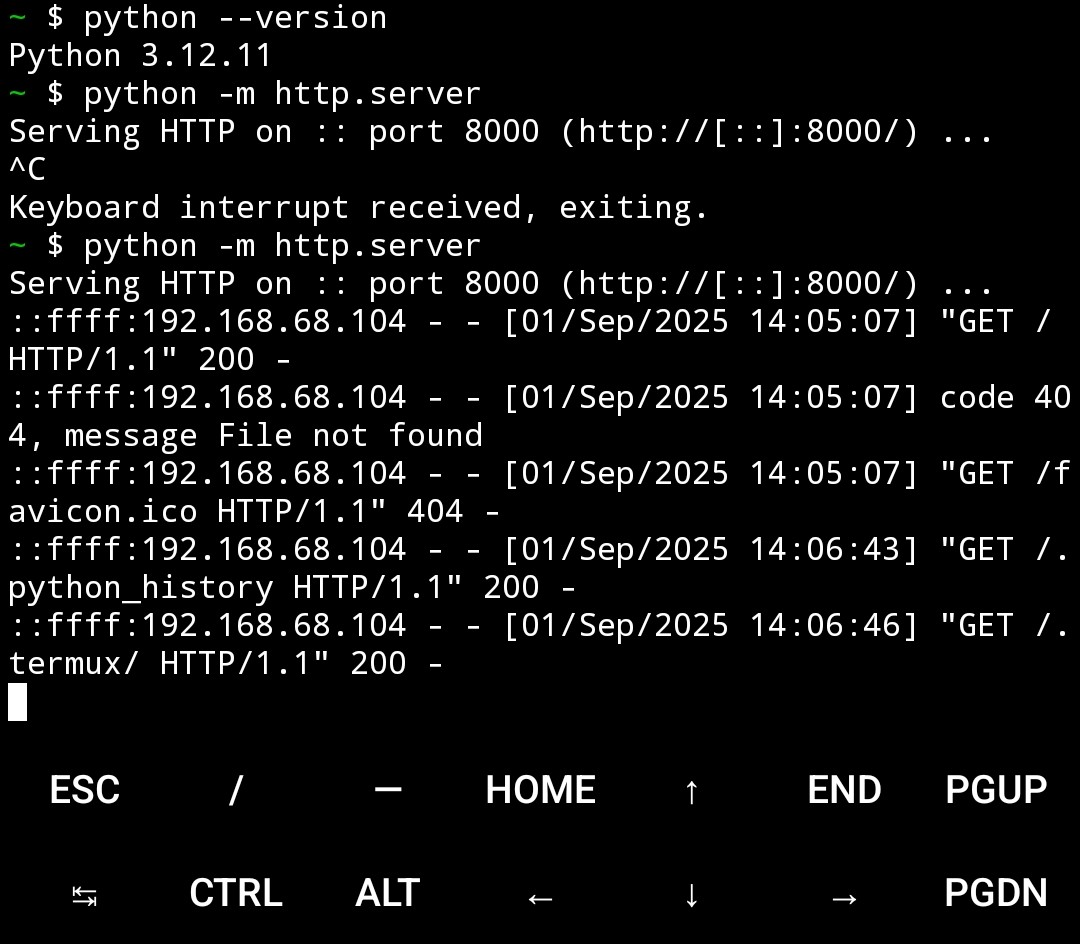
I can now start the server with python -m http.server
It is accessible at http://192.168.68.107:8000/
However, the directory is wrong and I do not know where I am. ls is not permitted in many places as I try to navigate around the directory structure.
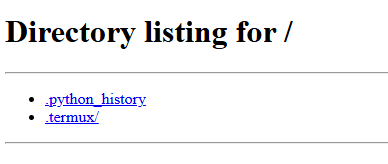
https://stackoverflow.com/questions/68515987/how-to-change-working-directory-in-termux Turns out, I just need to find the right directory. I was somewhere in /data/data/ but I want to be in ~/storage.
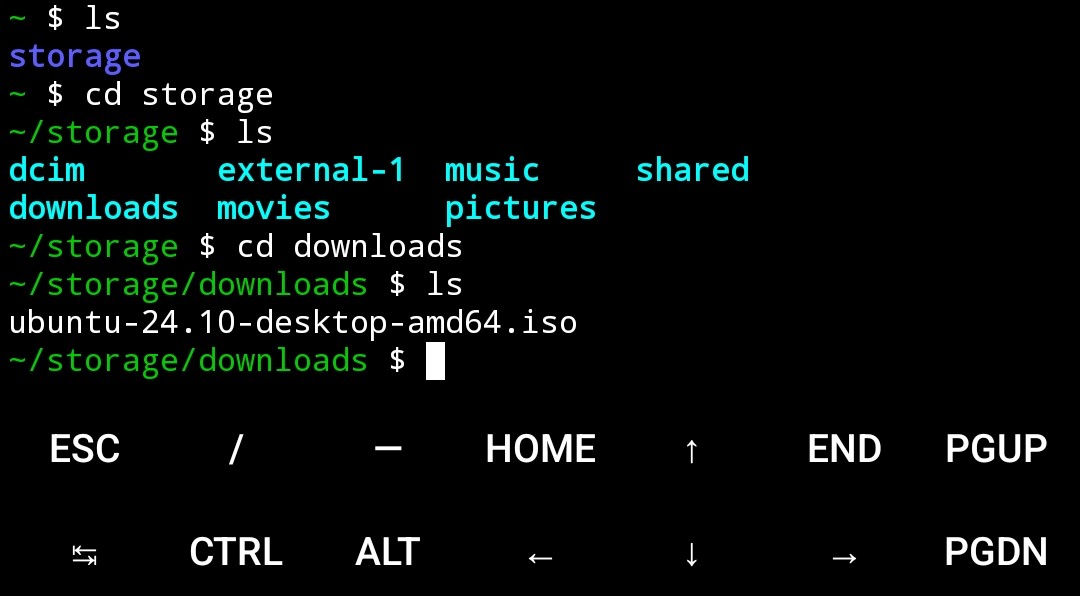
And then I can download files.
But can I download directories? For folders of things? Here come a bunch of links.
Old posts https://stackoverflow.com/questions/2573670/download-whole-directories-in-python-simplehttpserver
wget looks good, but it’s a linux thing
https://bioinformaticsreview.com/20220926/how-to-download-directories-and-subdirectories-from-an-https-server/
This modifies the behaviour of the server, which I don’t want to do https://www.reddit.com/r/learnpython/comments/925m0y/python_simple_http_server_with_1click_download/
This has the right stuff https://www.maketecheasier.com/transferring-files-using-python-http-server/
This suggests the same thing for Windows, but I’ll use the recursive option from above. https://stackoverflow.com/questions/33364752/equivalent-of-wget-command-line-for-windows-8-1
I don’t want to write a script https://www.reddit.com/r/PowerShell/comments/dzzhre/recursively_download_files_from_web_mirror_based/
Go and get wget for windows https://gnuwin32.sourceforge.net/packages/wget.htm
Add C:\Program Files (x86)\GnuWin32\bin to Path environment variables (duck duck go it to find out how {that won’t become a verb})
And one more thing, because for some reason index.html comes along with the downloads.
https://stackoverflow.com/questions/17638543/how-to-ignore-specific-type-of-files-to-download-in-wget
So, finally:
wget -r --reject html "http://192.168.68.107:8000/ubuntu-24.10-desktop-amd64.iso/